 TrainNotes
Configure and log Myo-reps
Myo-reps starts with one activation set and then mini-sets at the same load, separated by short rests. Choose the stopping method that matches the sequence you intend to record.
Set up activation and rest
- Choose Type → Myo-reps, or ⋮ → Tools → Myo-reps.
- Set activation Minimum and Maximum reps. These define the intended range for the first set A.
- Set Rest · seconds for the pause after activation and between mini-sets.
- Choose a Method and its target.
- Use Done to dismiss the numeric keyboard, then Save. The ? button explains the configuration.
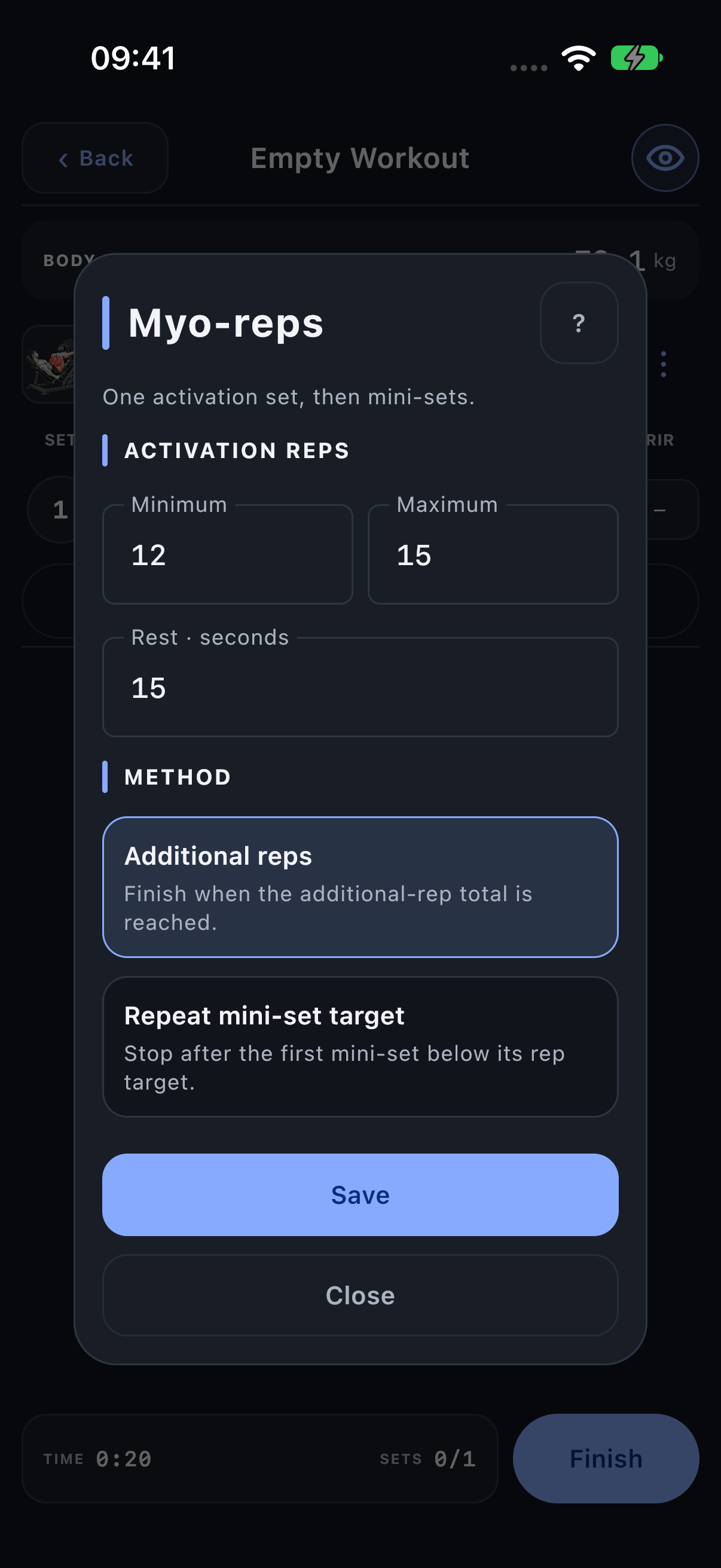
Method: Additional reps
Extra reps is the sum of the mini-set reps only. Activation reps are excluded. TrainNotes continues the sequence until the additional-rep target is reached.
For an additional target of 20, mini-sets of 5 + 5 + 4 + 4 + 2 reach the goal. If activation was 15 reps, the additional target is still 20, not the five reps remaining to make 20 overall.
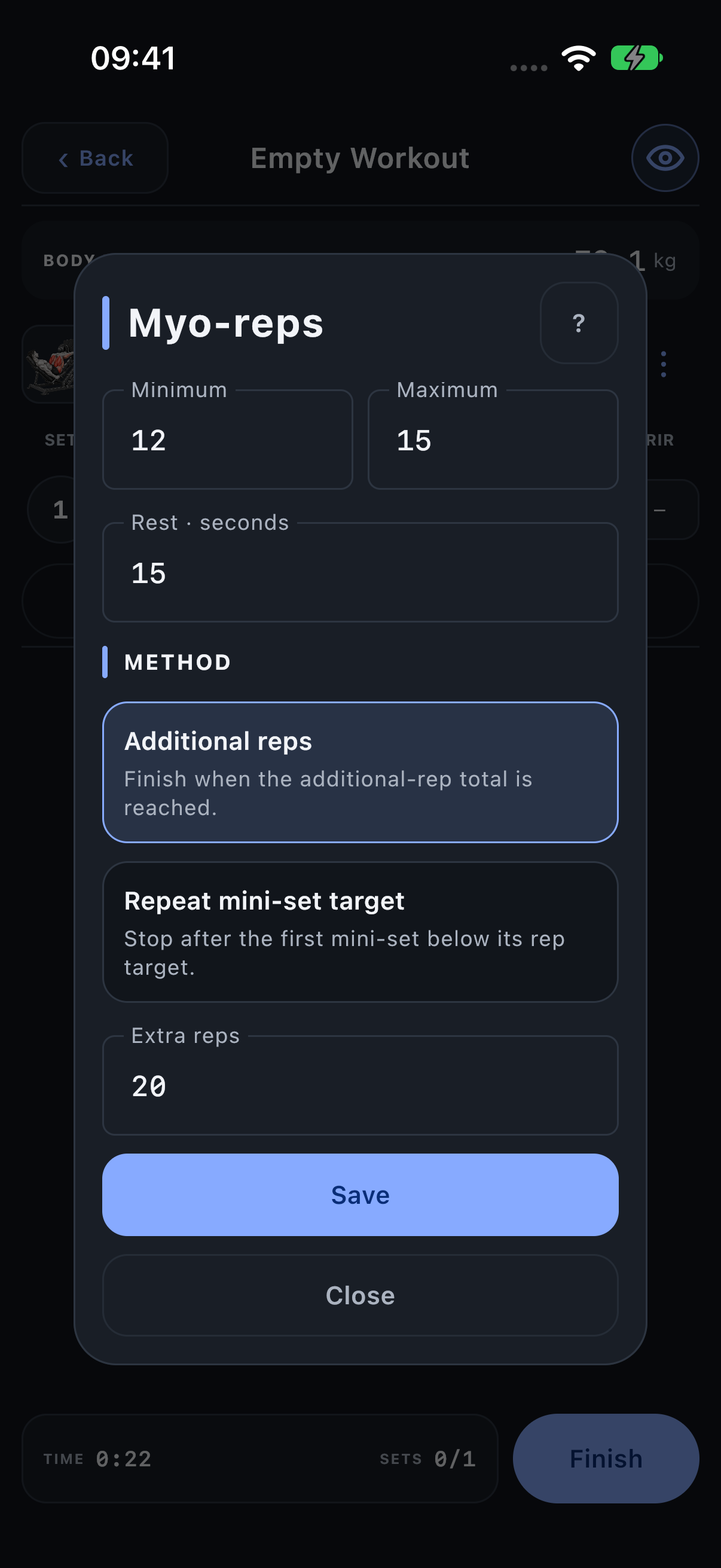
Method: Repeat mini-set target
Reps per mini-set is a repeated goal. The sequence ends after the first mini-set below that goal. Record its actual result too.
With a mini-set goal of 4, results of 4, 4, 4, 3 end after the 3. You do not replace 3 with 4 to make the record match the intended goal.
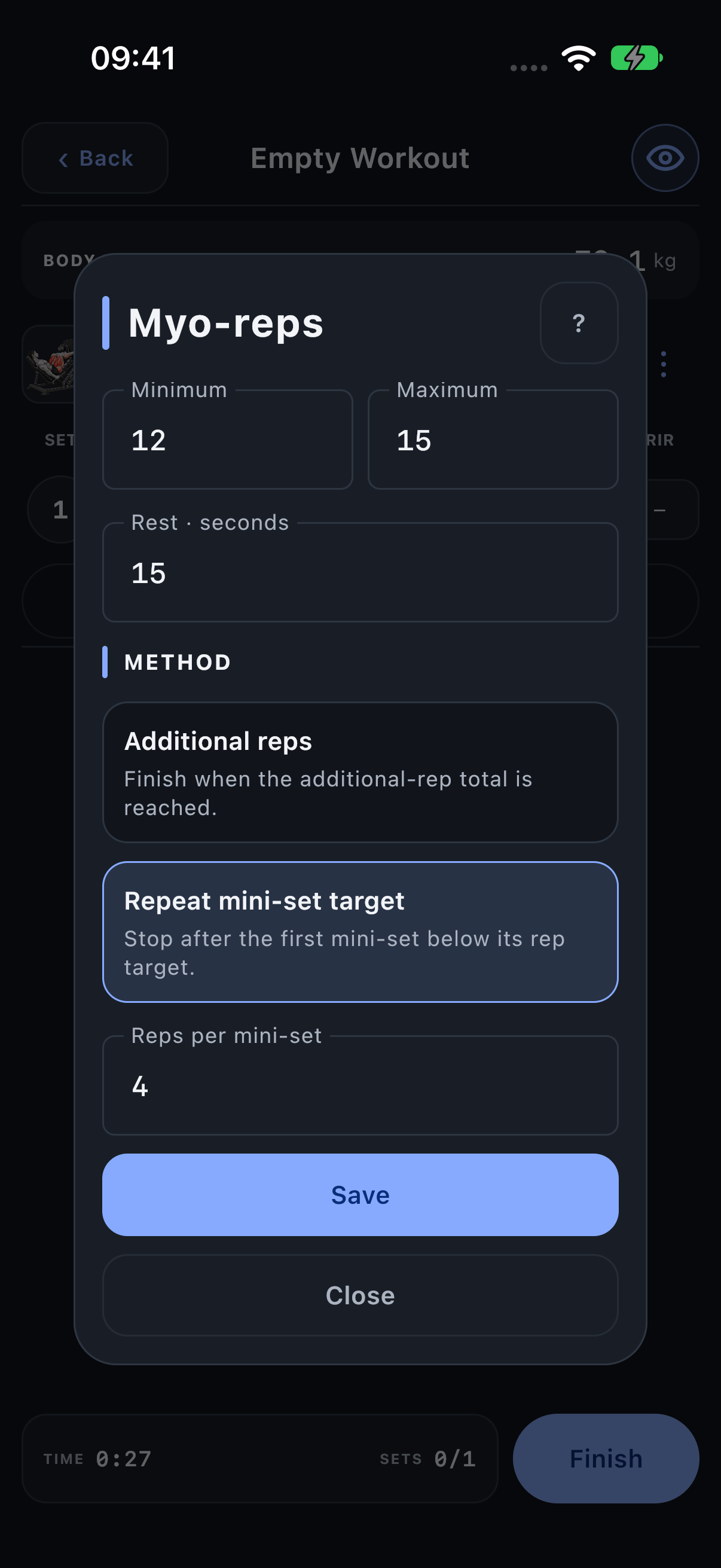
Record activation and mini-sets
- Enter the load and actual activation reps, then complete A.
- Take the configured short rest.
- Enter and complete the next mini-set, labelled +1.
- Continue +2 and later mini-sets as the app creates them, following the selected stopping rule.
Myo keeps its own timer rather than inheriting the ordinary Exercise rest. The method describes a structure; do not assume that every mini-set automatically records an additional F type.
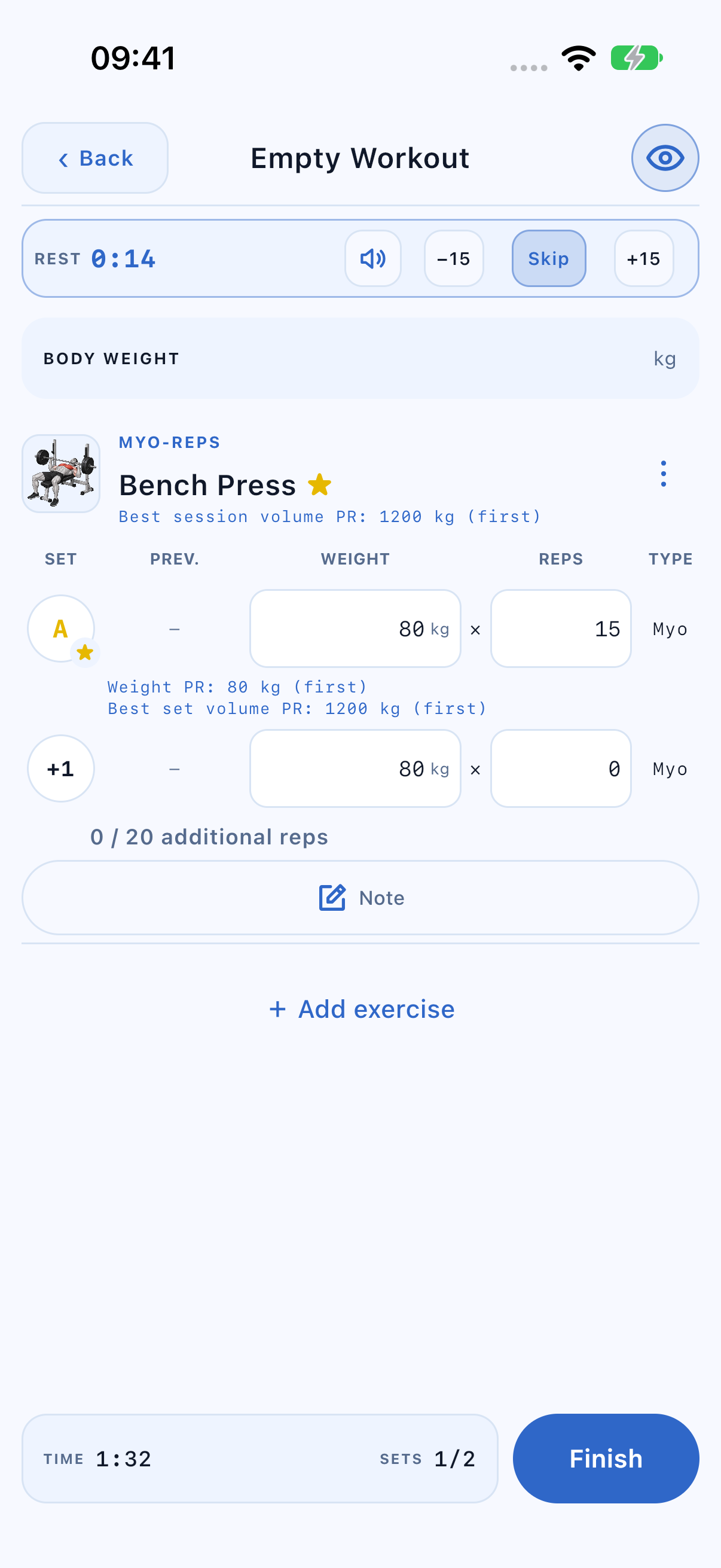
Understand Myo in totals
Completed activation and mini-set rows contribute their own successful reps, effective-load volume and PR checks. An unfinished next mini-set does not count as performed work, and the parked ordinary rows do not count alongside the Myo sequence.
At 80 kg, activation 15 and mini-sets 5 + 5 + 4 + 4 + 2 give 35 successful reps and 2,800 kg actual volume across six completed working rows. The mini-set target is still 20 additional reps. Statistics can apply role weighting to this work just as it does to ordinary rows.
Remove Myo and restore the original sets
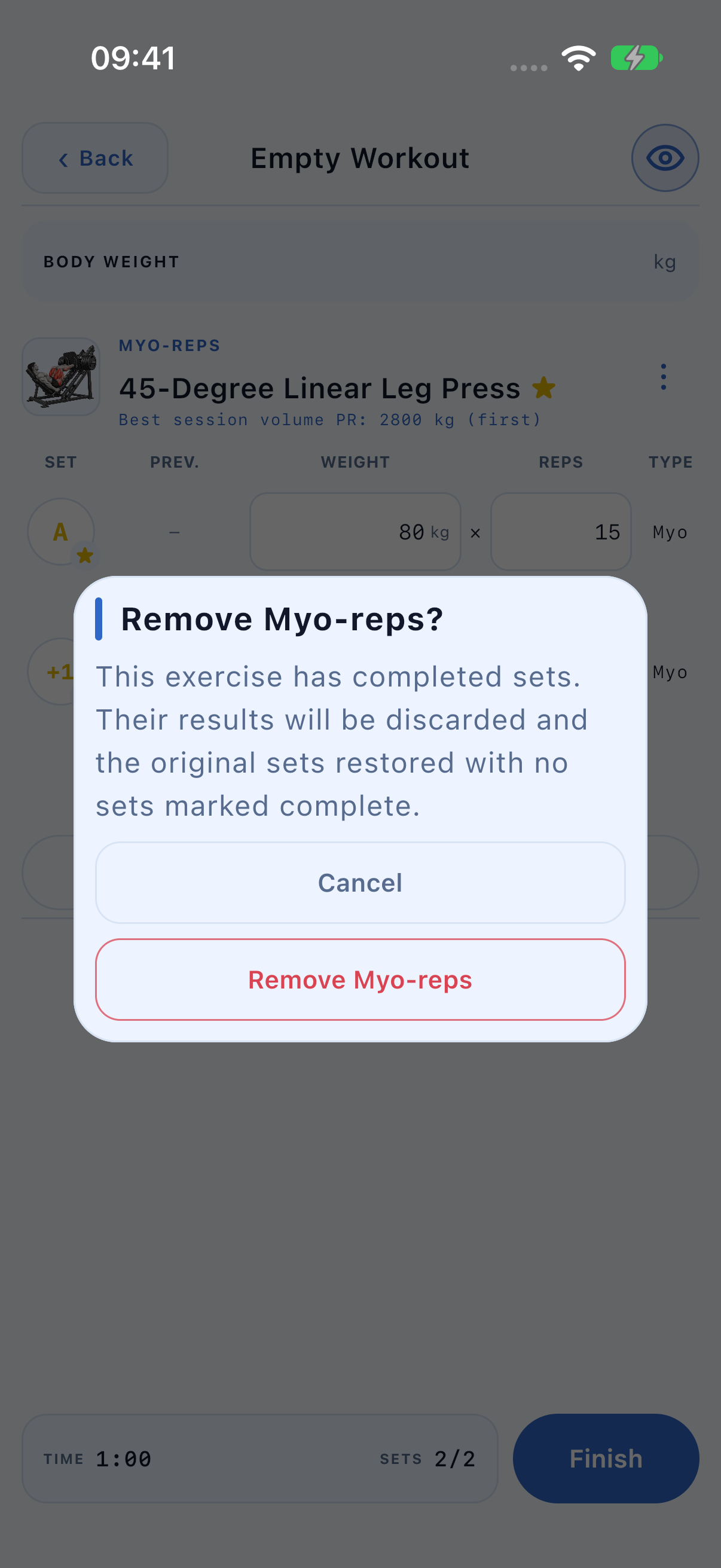
- Open the Exercise’s ⋮ menu and choose the red Remove Myo-reps, or Remove inside its configuration.
- Confirm when completed Myo results are affected. Removing Myo deletes the activation and mini-set results from this workout; they are not transferred into the restored ordinary rows.
- Review the restored ordinary sets and their original values. In a live workout the restored rows are incomplete so you can log them again.
The template planner parks the original targets while Myo is active. Removing it restores those targets, including ranges and previous methods, instead of replacing them with zeros.
Plan warm-ups and other methods
WU rows remain a separate preparation phase. Remove Myo before adding that Exercise to a superset/circuit or switching its working sequence to ordinary set types. Drop stages are not appended to Myo mini-sets.