 TrainNotes
Manage Exercises and Variants
An Exercise defines a movement, equipment and tracking fields. A Variant identifies a concrete implementation of that same movement and equipment. Keeping those meanings consistent makes history and machine comparisons useful.
Find the movement you mean
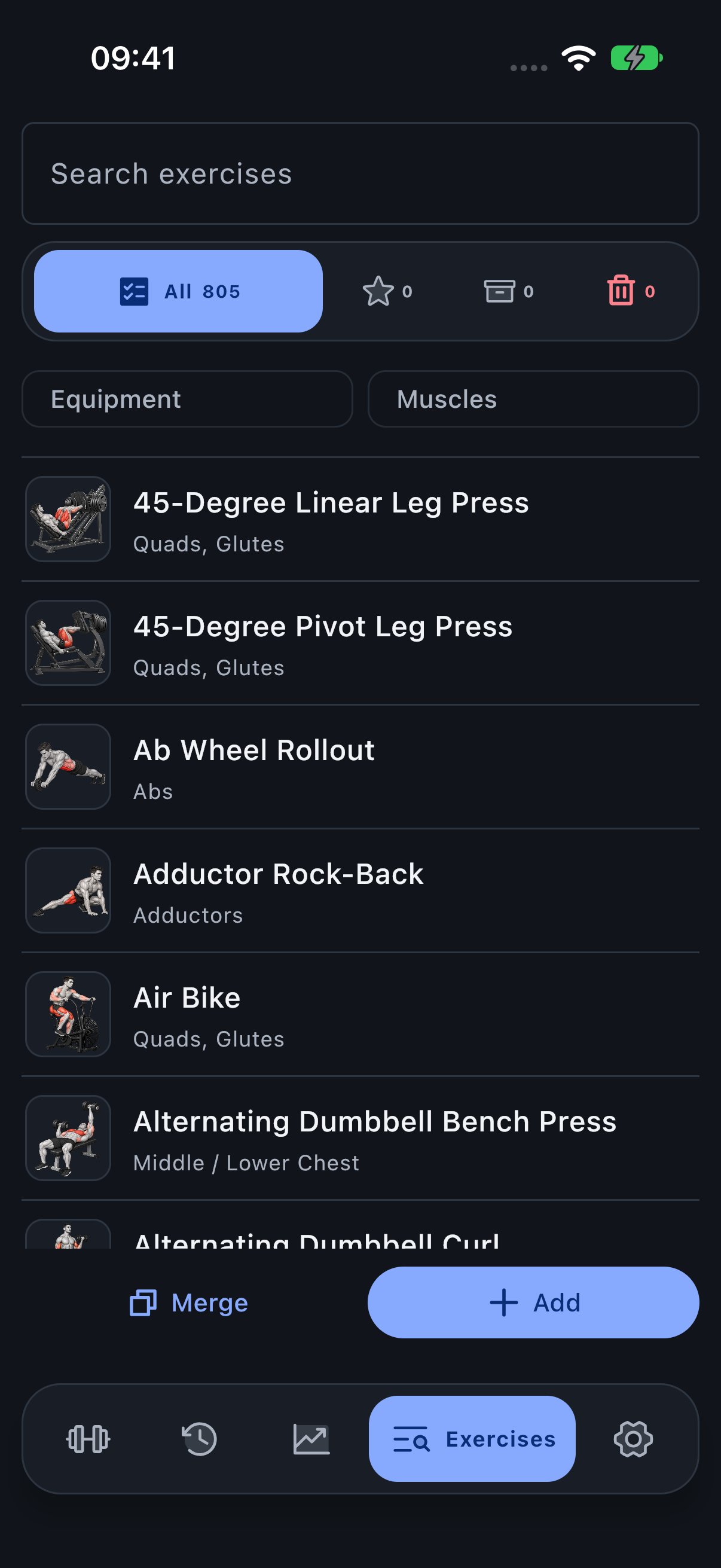
- Open Exercises.
- Search by movement name.
- Use Equipment to separate barbell, dumbbell, cable, machine and other implementations.
- Use Muscles to narrow the list by a group or individual muscle.
- Open the Exercise to review its details before adding or editing it.
Use the illustrated filters
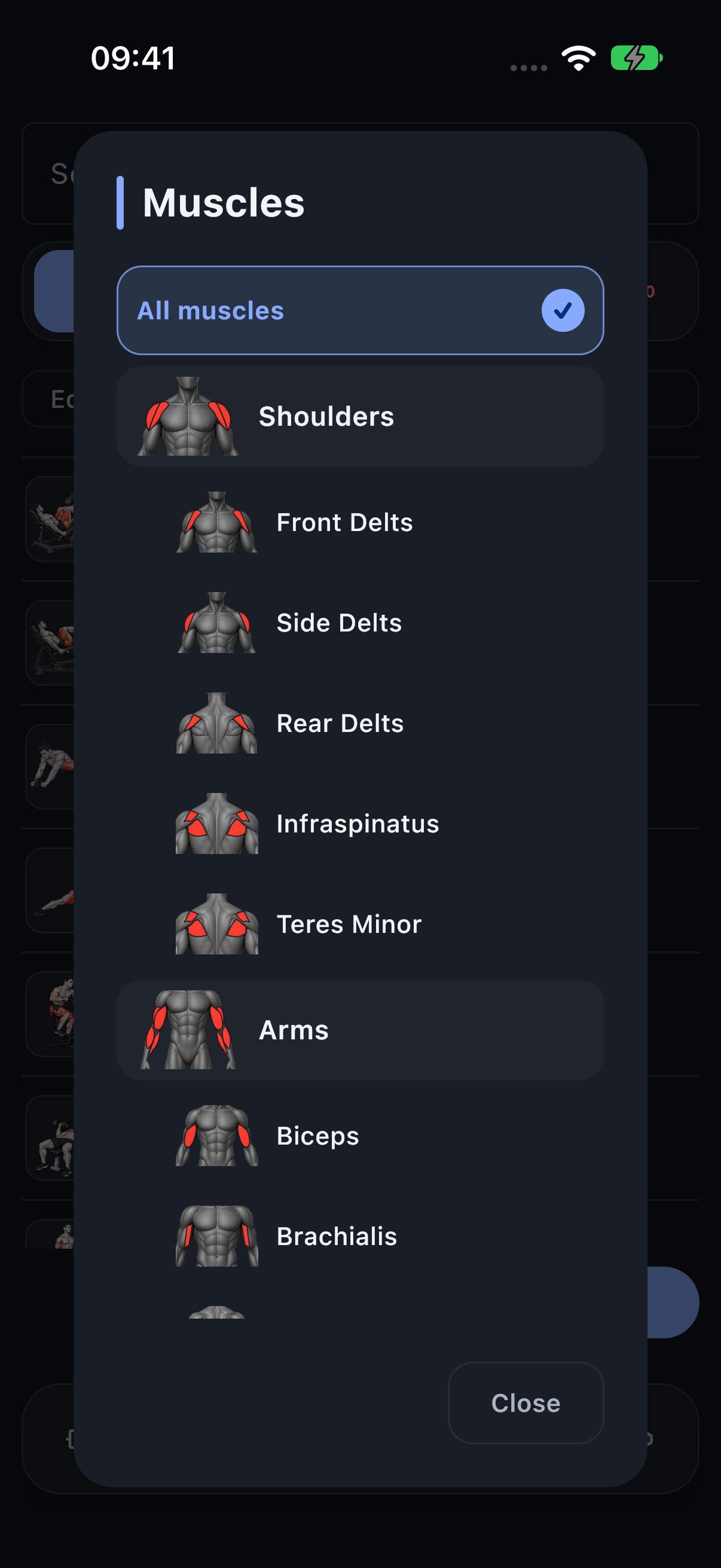
Equipment and Muscles use the same pickers throughout the app. The muscle picker follows the controlled hierarchy: a group and its named children are different scopes. A catalog filter helps find an Exercise; it does not change its stored muscle assignments.
Decide between a new Exercise and a Variant
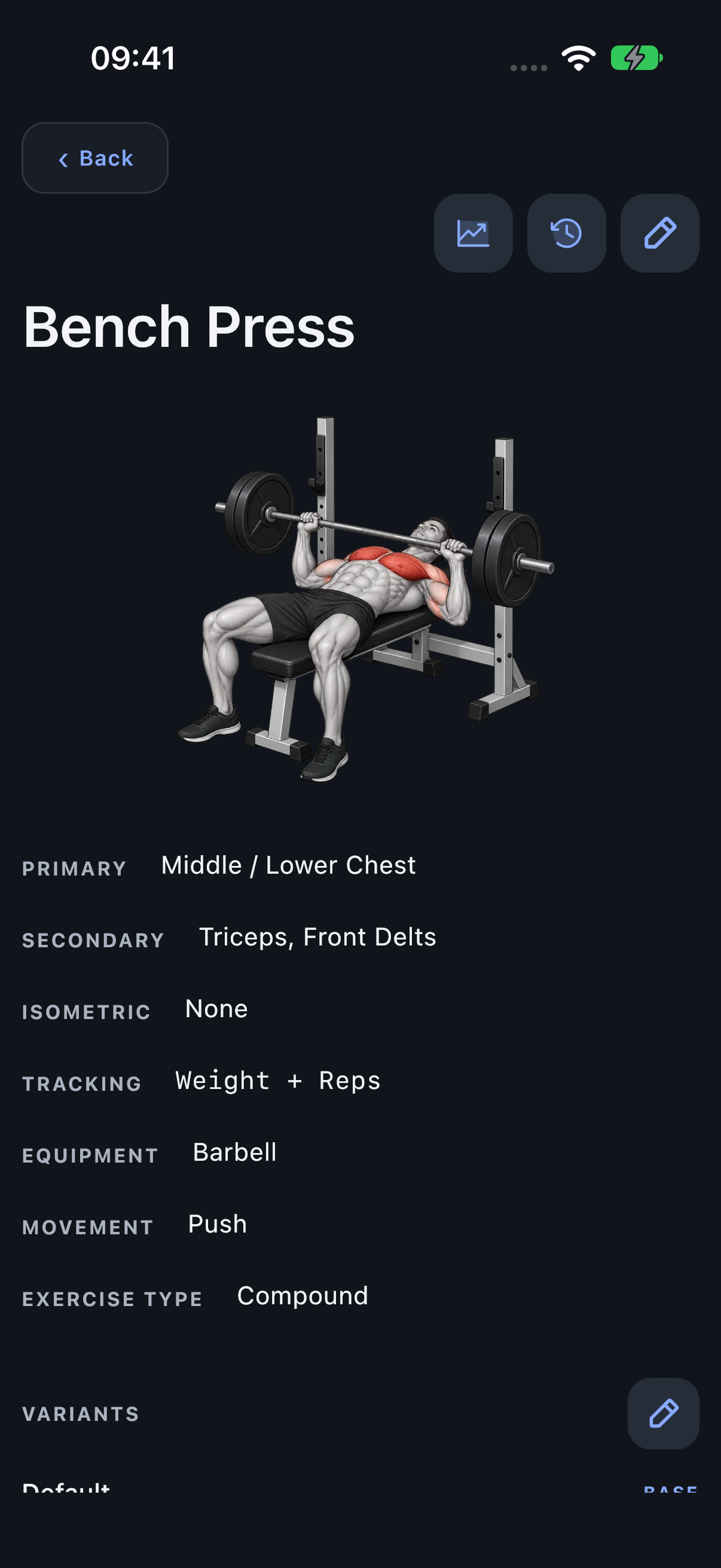
Bench Press, Dumbbell Bench Press and Smith Machine Bench Press are separate Exercises because equipment differs. Two brands of machine Chest Press with the same movement and equipment can be Variants. A materially different machine movement should be a separate Exercise.
PRs remain Variant-specific. Muscle analytics can aggregate Variants through their parent Exercise. Do not merge equipment-distinct movements merely because their names sound similar.
Create or edit an Exercise
Use Add exercise for a movement missing from the catalog. Choose its tracking schema, equipment, movement type, mechanics and muscle roles. The schema controls both planning and logging fields. Choose Primary before adding assisting roles, and do not assign the same muscle to multiple roles.
Editing a definition updates how you manage the Exercise going forward. Historical workout snapshots retain the movement details that were recorded at the time.
Keep machine-specific notes and locations
Use Variant management to name a concrete machine or implementation. Persistent notes can record seat position, pad height or another useful machine-specific detail. Save locations on that Variant when its physical location helps identify it.
At session start, location lookup runs once in the background. Only unambiguous saved matches within 100 metres can select a Variant automatically. The lookup does not block starting the workout. If permission or a confident match is unavailable, select the Variant manually. Several saved locations can share one Variant and history. Templates remain location-independent.
Merge only actual duplicates
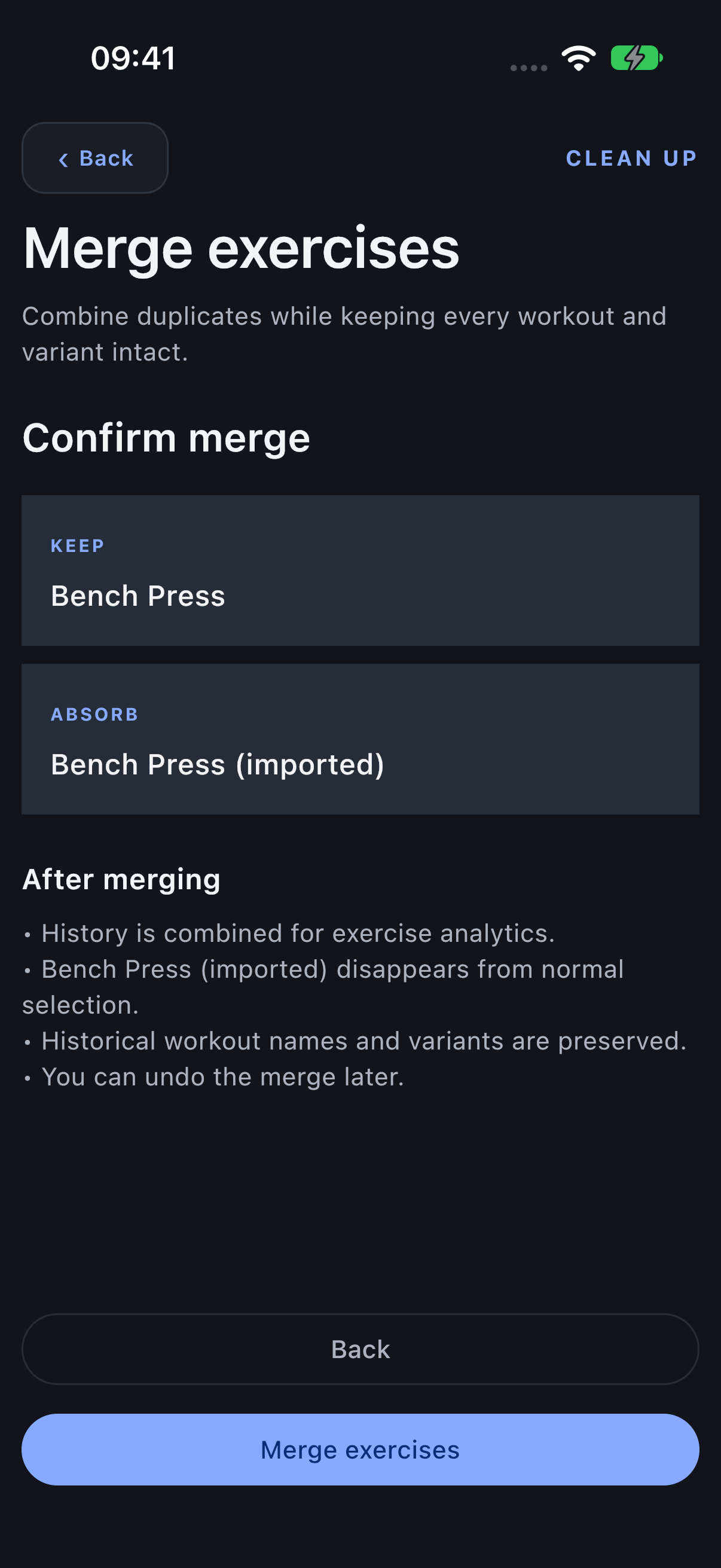
- Choose Merge in the Exercise library.
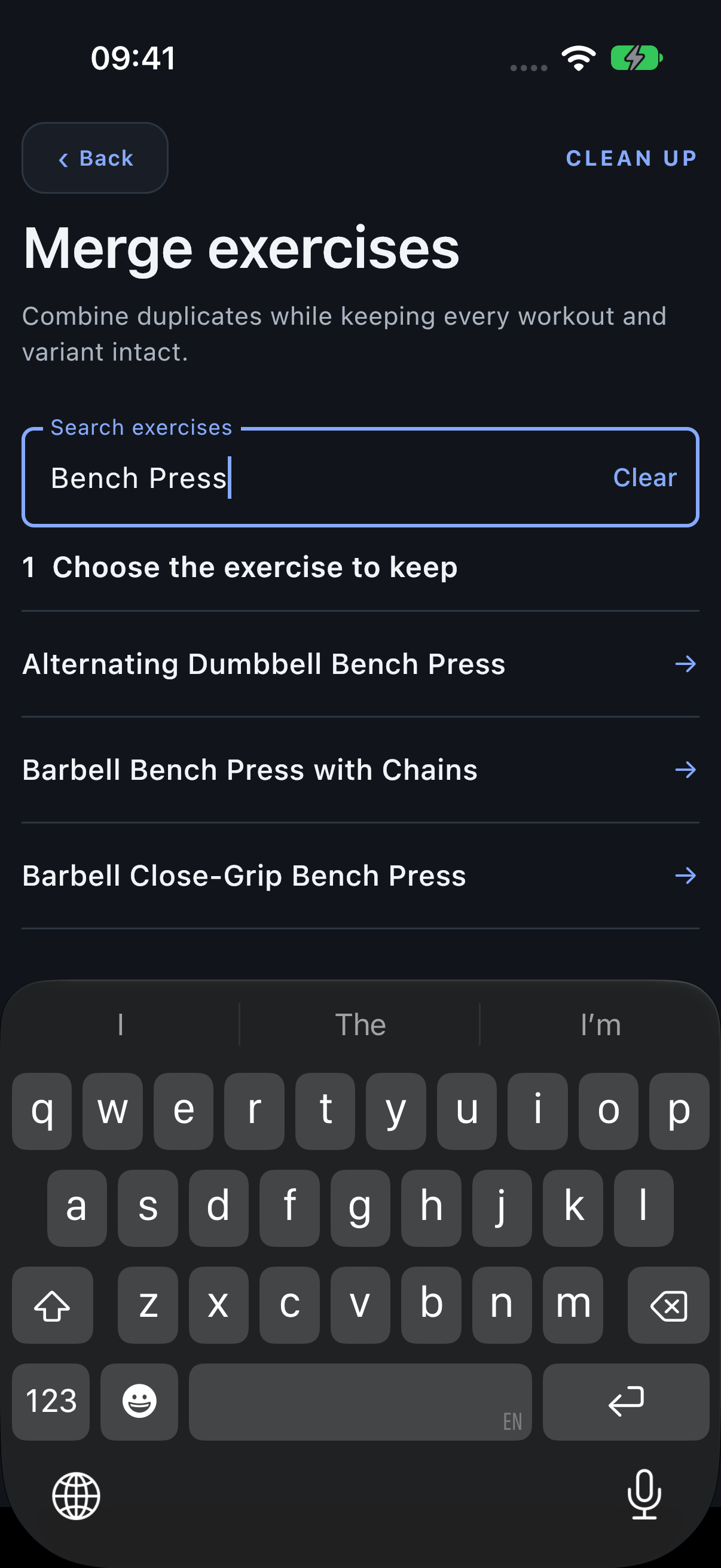
- Search for and select the Exercise whose name and definition you want to keep.
- Find and select the duplicate to absorb.
- Review the two names and the effects before confirming.
- Return to the merge history’s Undo action if the mapping must be reversed.
Review the merge destination
The duplicate disappears from normal selection and its analytics resolve through the chosen Exercise. Historical workout names and Variants remain intact. Merging is an explicit data-management action, separate from choosing a matching Exercise in an import preview.
Use the corresponding Variant merge flow for duplicate implementations within the same Exercise. Do not use it to combine two genuinely different machines whose weight histories should remain distinct.